Fleet compliance operations
A Driver Qualification File Checklist Is Not a Filing Cabinet
Build a repeatable workflow that helps your team see what is due, what is missing, and what still needs a real decision—before the file becomes an audit problem.

Many driver qualification file problems start when the work is scattered: a hiring document lives in one inbox, an annual review is on somebody’s calendar, a medical record arrives through a different process, and nobody can quickly tell the difference between missing, not applicable, and needs a decision.
That is why a useful driver qualification file checklist has to be more than a list of forms. It needs an operating rhythm: determine the driver’s scope, collect the right evidence, assign ownership, watch due dates, and preserve the reason when a document does not apply as a workflow safeguard. The exact obligations depend on the operation and the driver, so use the applicable regulations and your counsel or compliance professional for the final call.
Start with scope—not a template
Before a team builds a file, it should classify the job and operation. Federal driver-qualification requirements are not one-size-fits-all. The FMCSA’s guidance explains that every motor carrier must maintain a driver qualification file for each driver it employs who is subject to Part 391, and that the file requirements connect to the particular driver and operation. That is why “we use the same packet for everybody” can create as much confusion as it solves.
For a practical first pass, make the owner answer three questions: What vehicle and service is the driver performing? Which rules apply to this driver? Who is accountable for resolving an exception or unknown? If those answers are not visible, do not let a green checkbox pretend that the work is done.
Build the workflow around evidence, not memory
Intake
Collect the employment application and any required inquiries or records through a consistent process. Label the source and the date received, not just the file name.
Qualification
Track a road-test certificate or a qualifying CDL/road-test certificate accepted under §391.33, medical qualification evidence where the driver’s status requires it, and any review required for the vehicle, route, cargo, or driver exception involved.
Ongoing review
Make the annual MVR inquiry and documented review visible as work that must be completed—not background reminders that disappear after an email is sent.
Exception handling
When something is missing, expired, or not applicable, record the owner and next action. Do not backdate, invent a status, or call an unresolved item complete.
What belongs on the working checklist?
The complete list should follow the rules that apply to the operation. As a plain-language operating checklist, make sure a responsible person can see the status of the following categories and the evidence behind each status:
- Employment and history records: application information and required inquiries for the driver’s situation.
- Driving record and qualification evidence: the relevant motor vehicle record inquiries, a road-test certificate or qualifying CDL/road-test certificate accepted under §391.33, and documented review decisions.
- Medical qualification and exception documentation: medical qualification evidence and any applicable variance or SPE documentation, handled according to CDL/non-CDL status and applicable exceptions.
- Annual work: the required annual MVR inquiry and documented review, plus any other recurring item applicable to the driver and operation.
- Recommended workflow controls: a person, a date, a source, and a next action—not an anonymous attachment in a broadly shared folder. These operating controls help the team work the file; they are not a substitute for the underlying record requirements.
DQ files can contain sensitive personal and medical information. Centralizing the workflow should not mean putting the records in a broadly shared folder; limit access and follow the retention and handling rules that apply to each record.
The current 49 CFR §391.51 text is the controlling starting point for required-file details, while FMCSA’s Safety Planner driver-qualification material is useful implementation guidance. Check both whenever your operation or the rules change; for annual MVR work, review the current §391.25 requirement.
The software question is really an ownership question
When fleets search for driver qualification software, they are often looking for a way to stop managing deadlines, attachments, and follow-up by memory. The useful question is not “Does the software hold PDFs?” It is “Can our team see the file’s status, identify the owner, preserve the source, and act on the next item without pretending that a missing requirement is complete?”
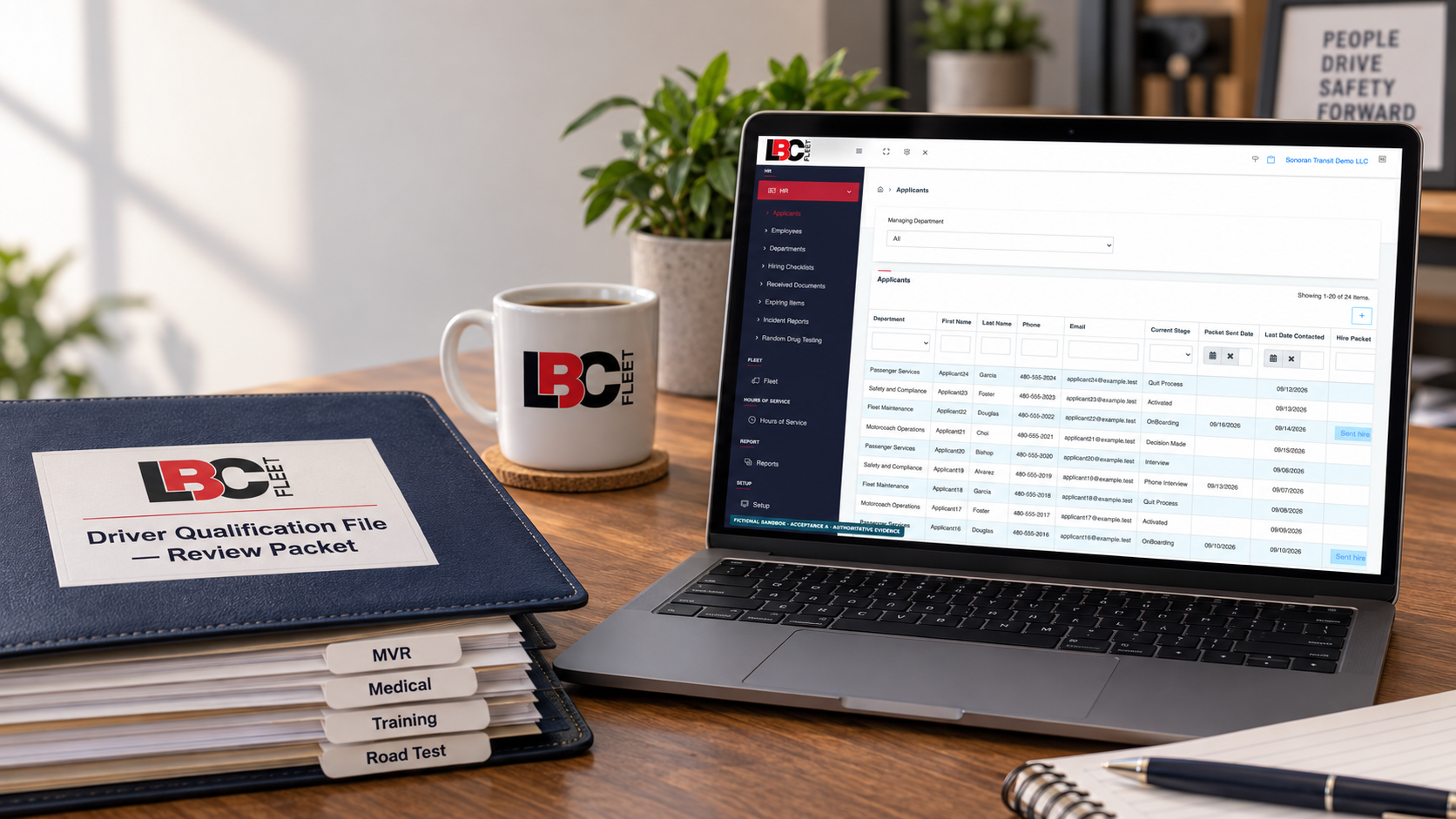
Some organizations want to run that workflow in-house. Others want an experienced team to help manage the records. LBC Fleet supports both conversations: compare electronic DQ file software for an in-house workflow, or explore driver qualification file management when you want help carrying the work. The right answer depends on the people, vehicles, service model, and controls already in place.
One practical habit that changes the quality of the file
At the end of every review, require a simple written outcome: verified after review of the applicable evidence, missing—owner assigned, not applicable—reason recorded, or needs compliance decision. That language protects the team from the most expensive kind of false confidence: a file that looks clean until someone asks the obvious follow-up question.